1
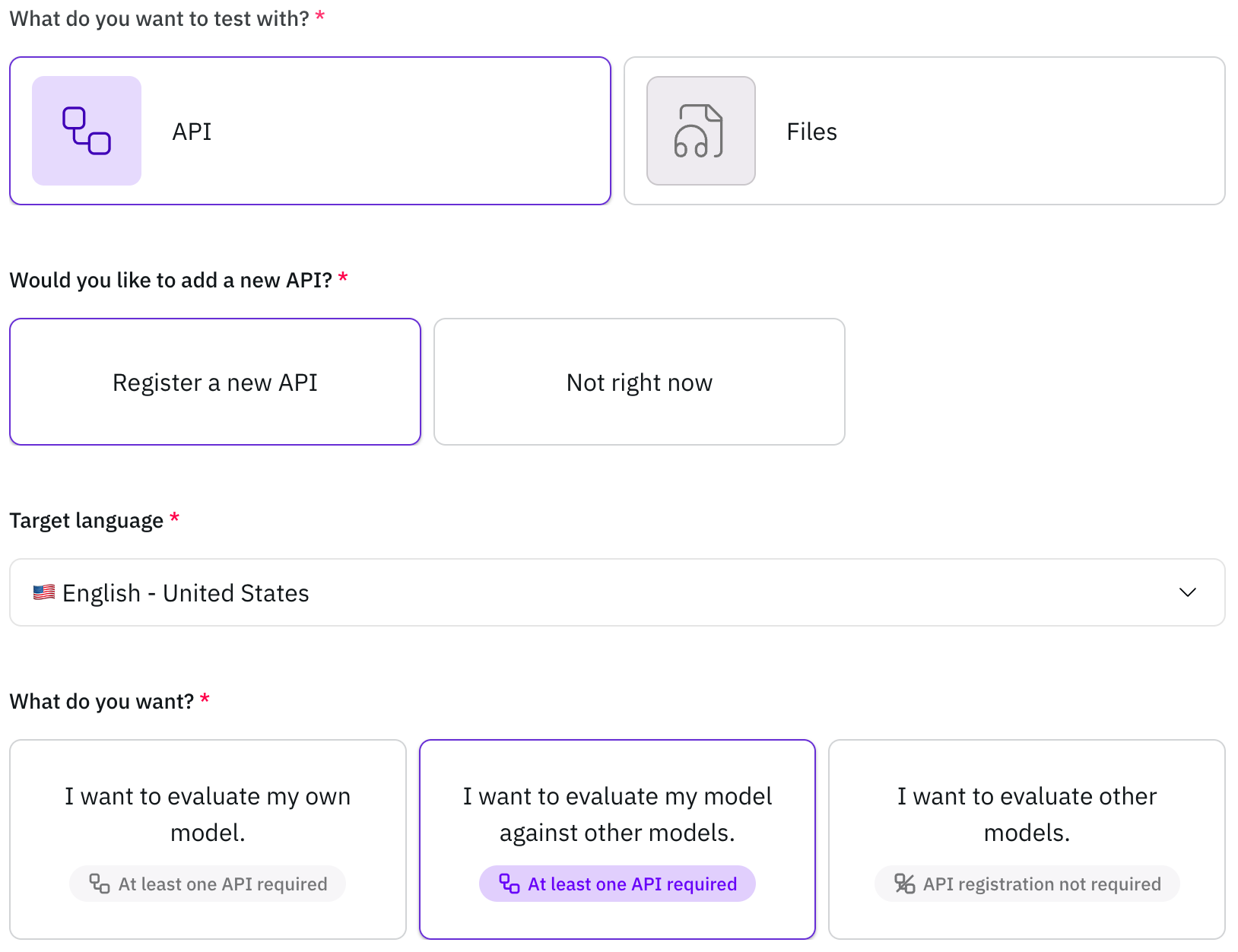
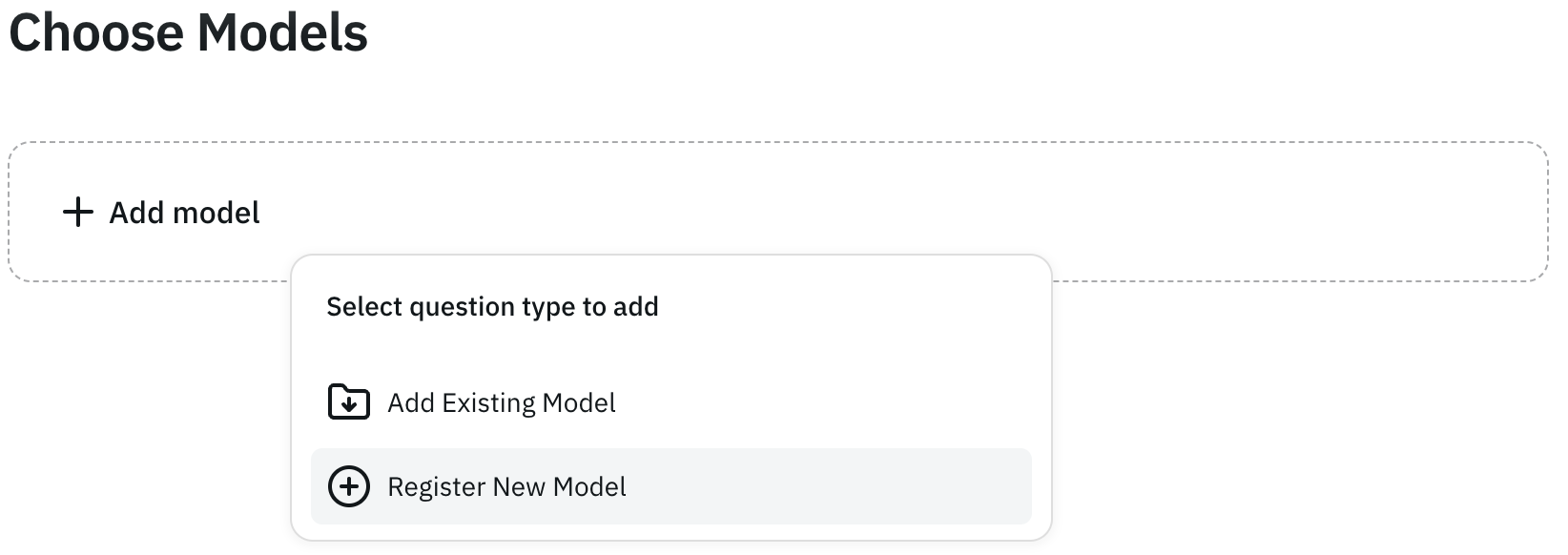
Click "Register new API"
2
Enter your API information
Enter your API information (Provider name, Model name, API endpoint, HTTP method, HTTP headers, HTTP body)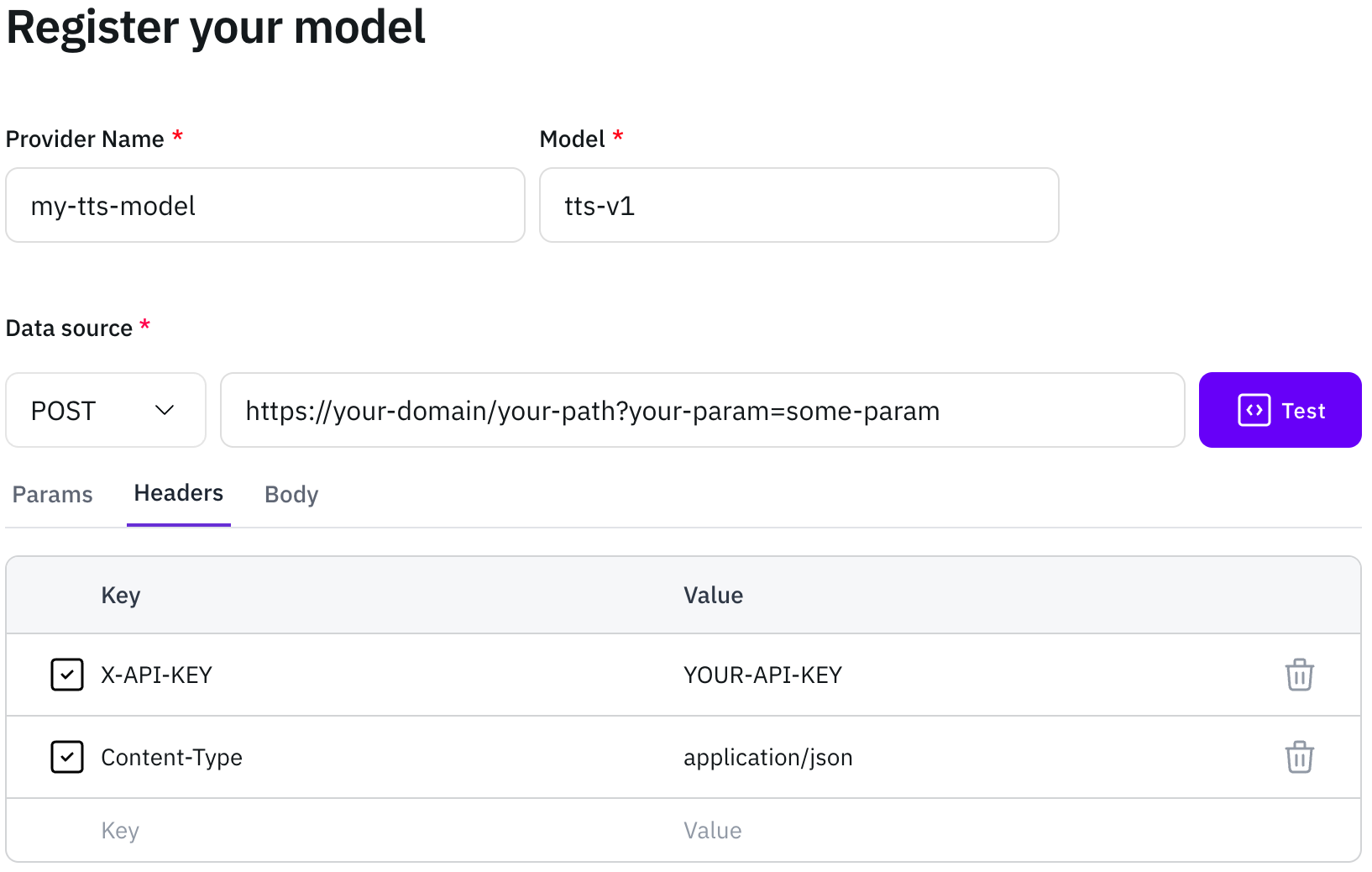 For the HTTP body, you must include the template string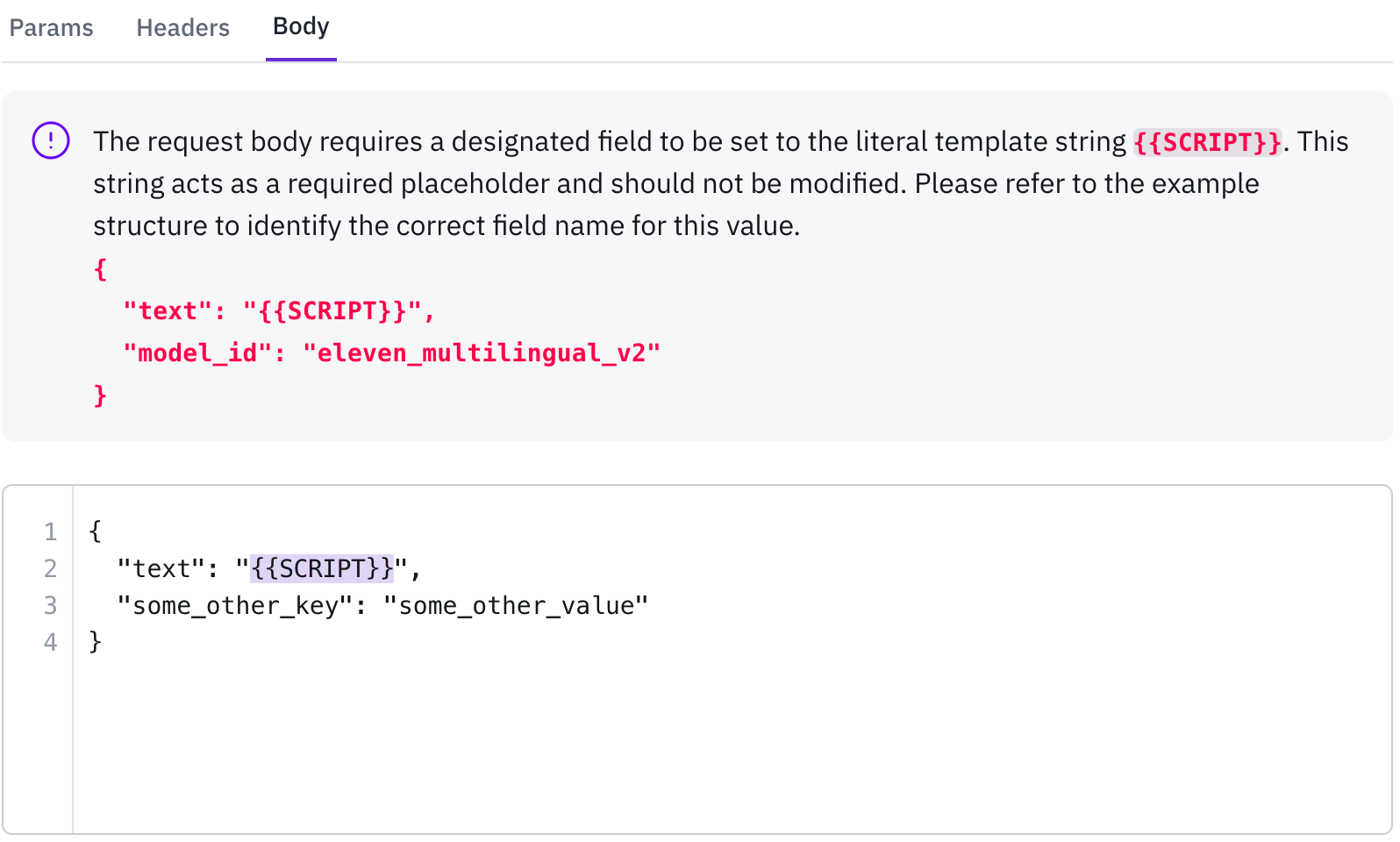
{{SCRIPT}} in the script input field.3
Click the Test button
Click the Test button to verify that your API is functioning correctly and returning the expected response.
4
Click "Add voice persona"
Click Add voice persona to register the voices and their information that your model supports.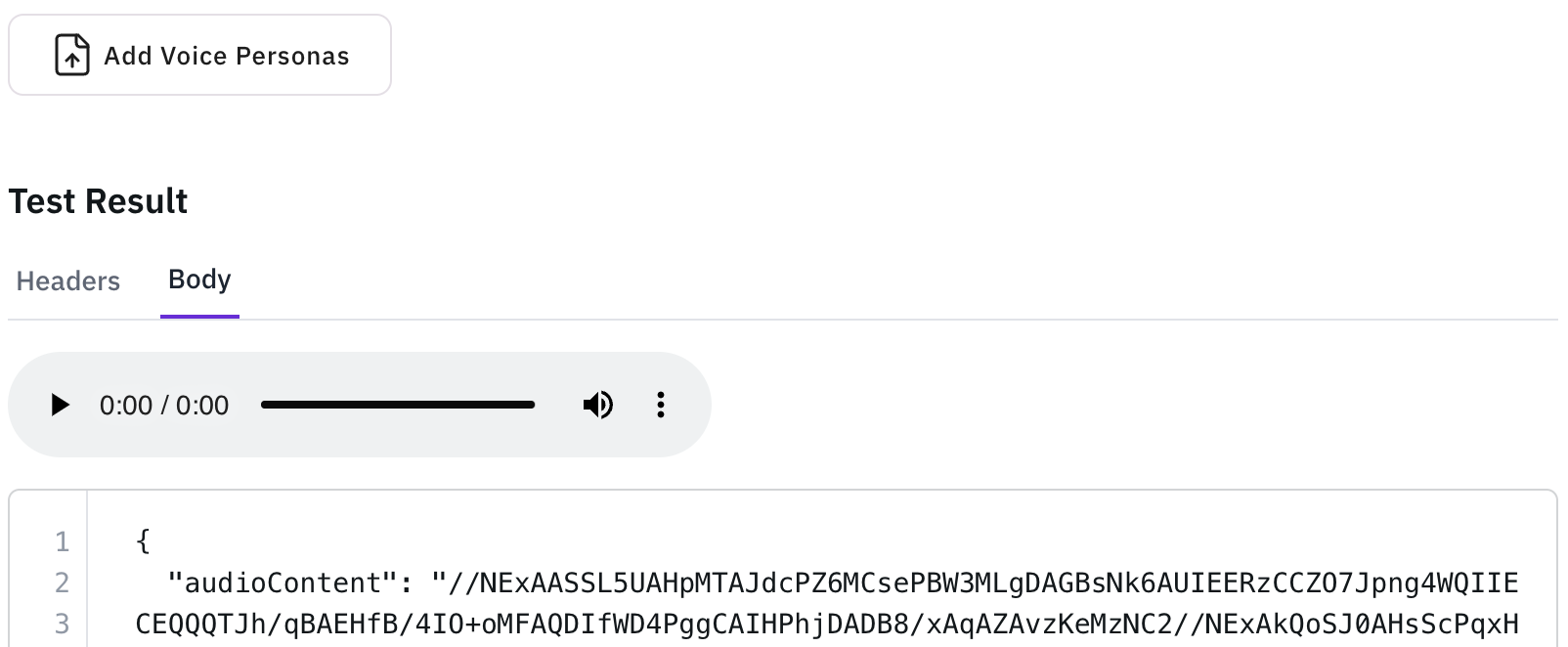
5
Fill in the voice information
Fill in the voice information (Voice ID, Gender, Age, Speech style, Additional tags)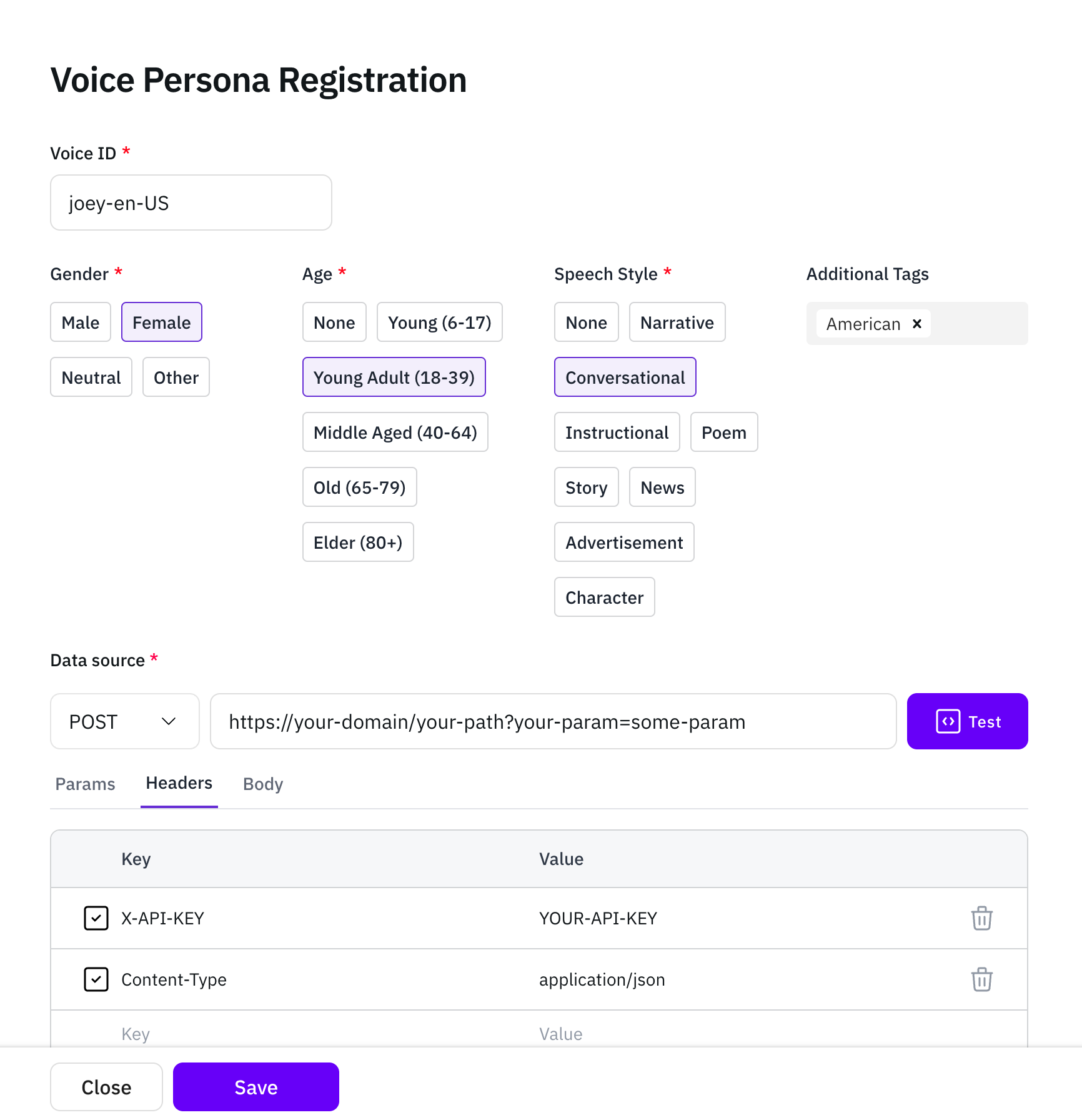
6
Click the Test button again
Click the Test button again to confirm the API is functioning, then click Save to store your configuration.
7
Click "See saved voices"
Click See saved voices to review all the voices you’ve saved so far.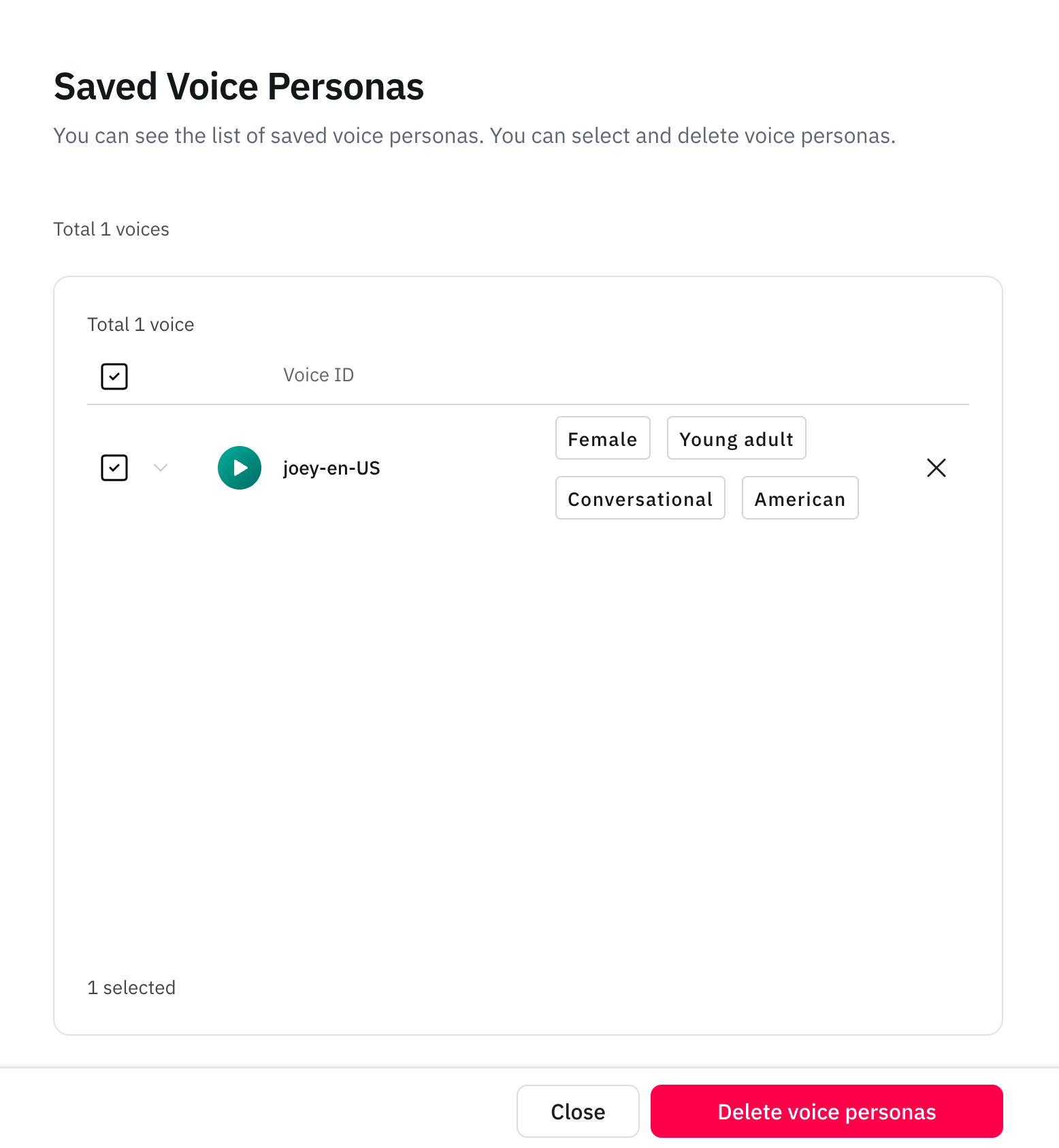
8
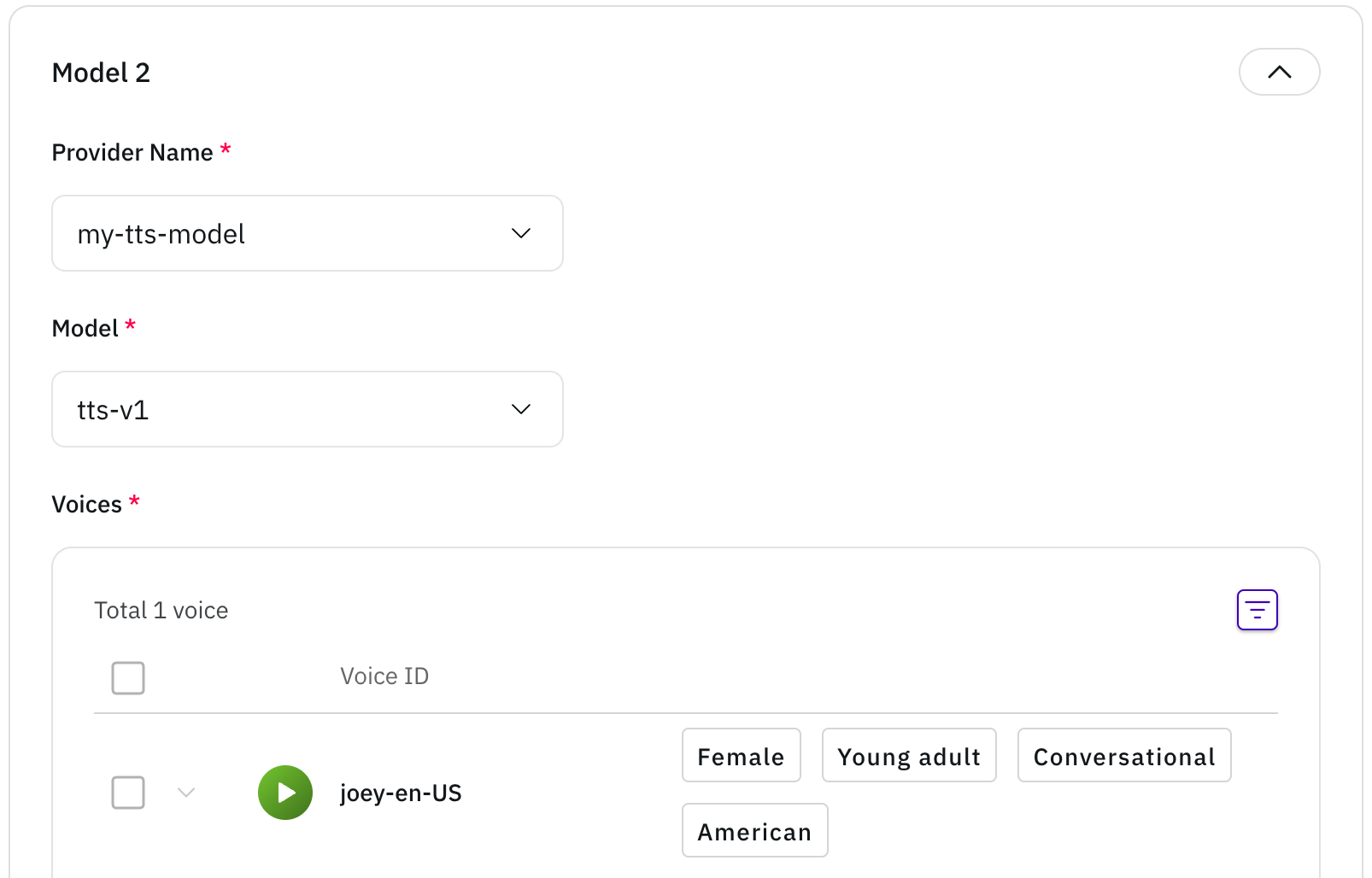
Click Next and choose model
Click Next to navigate to the Choose model page, where you can select your newly registered API.