> ## Documentation Index
> Fetch the complete documentation index at: https://podonos.com/docs/llms.txt
> Use this file to discover all available pages before exploring further.

# Web Template Usage

> You can create evaluations quickly by using predefined templates on the web.

***

## Web: Create Evaluations from Templates

There are two ways to create an evaluation using templates on the web:

### **Option 1: Use on Template Tab**

<Steps>
  <Step title="Navigate to the Template tab">
    Go to the **Template** tab and locate the template you wish to use. Click the
    **"Create evaluation using this template"** button.

    <Frame>
      ![0\_evaluation\_from\_template\_by\_button.png](https://static-public.podonos.com/sdk/how-to-create-template/0_evaluation_from_template_by_button.png)
    </Frame>
  </Step>

  <Step title="Review and customize the evaluation">
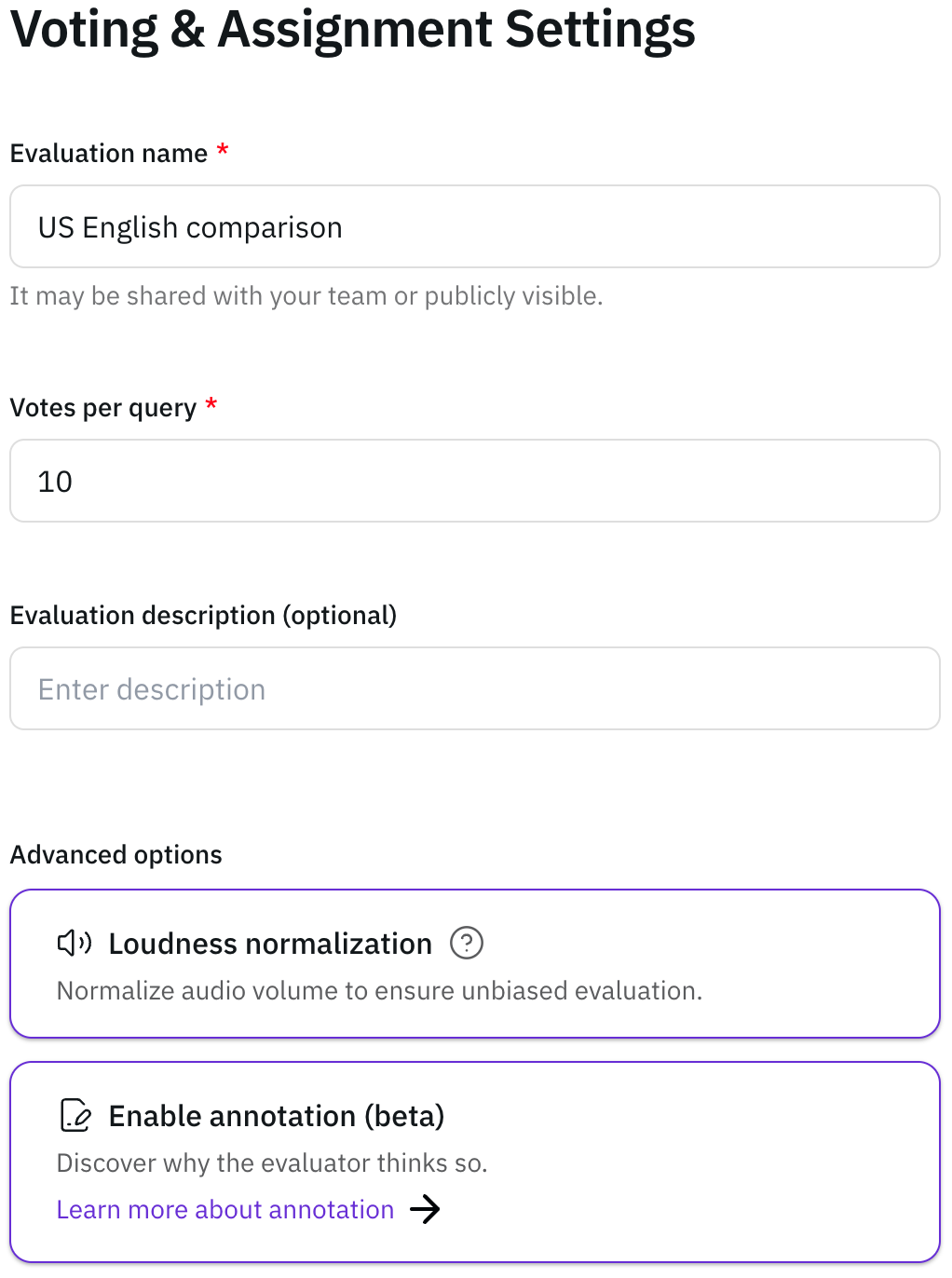
    Once the evaluation is generated, you can review the details from the template:

    * Evaluation details:
          <Frame>
            ![1\_evaluation\_from\_template\_evaluation\_information.png](https://static-public.podonos.com/docs/voting-and-assignment-setting.png)
          </Frame>
    * Instructions:
          <Frame>
            ![2\_evaluation\_from\_template\_instructions.png](https://static-public.podonos.com/sdk/how-to-create-template/2_evaluation_from_template_instructions.png)
          </Frame>
    * Questions:
          <Frame>
            ![3\_evaluation\_from\_template\_questions.png](https://static-public.podonos.com/sdk/how-to-create-template/3_evaluation_from_template_questions.png)
          </Frame>

    Make any necessary change if necessary.
  </Step>
</Steps>

***

### **Option 2: Use on Evaluation Tab**

<Steps>
  <Step title="Navigate to the evaluation tab">
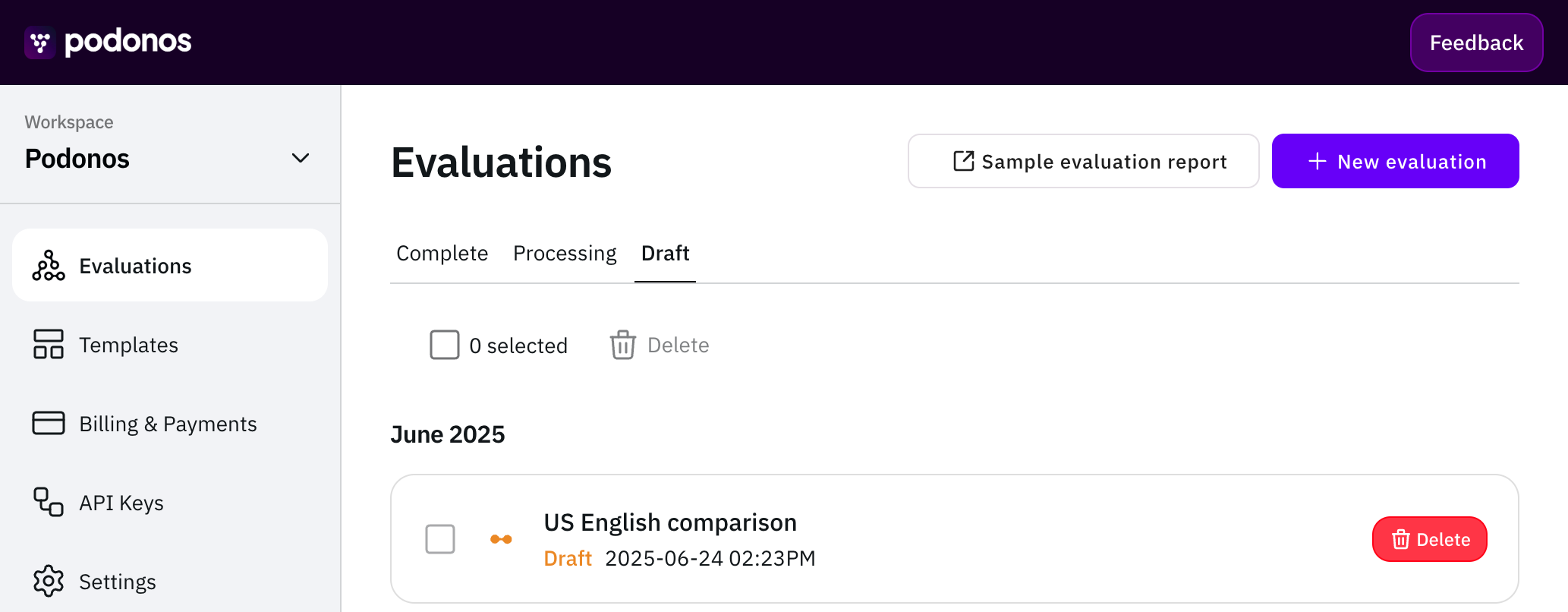
    Go to the **Evaluation** tab and click the **"+ New Evaluation"** button.
    <Frame>
      ![0\_eval\_from\_temp.png](https://static-public.podonos.com/docs/workspace-draft.png)
    </Frame>
  </Step>

  <Step title="Choose the way of evaluation generation">
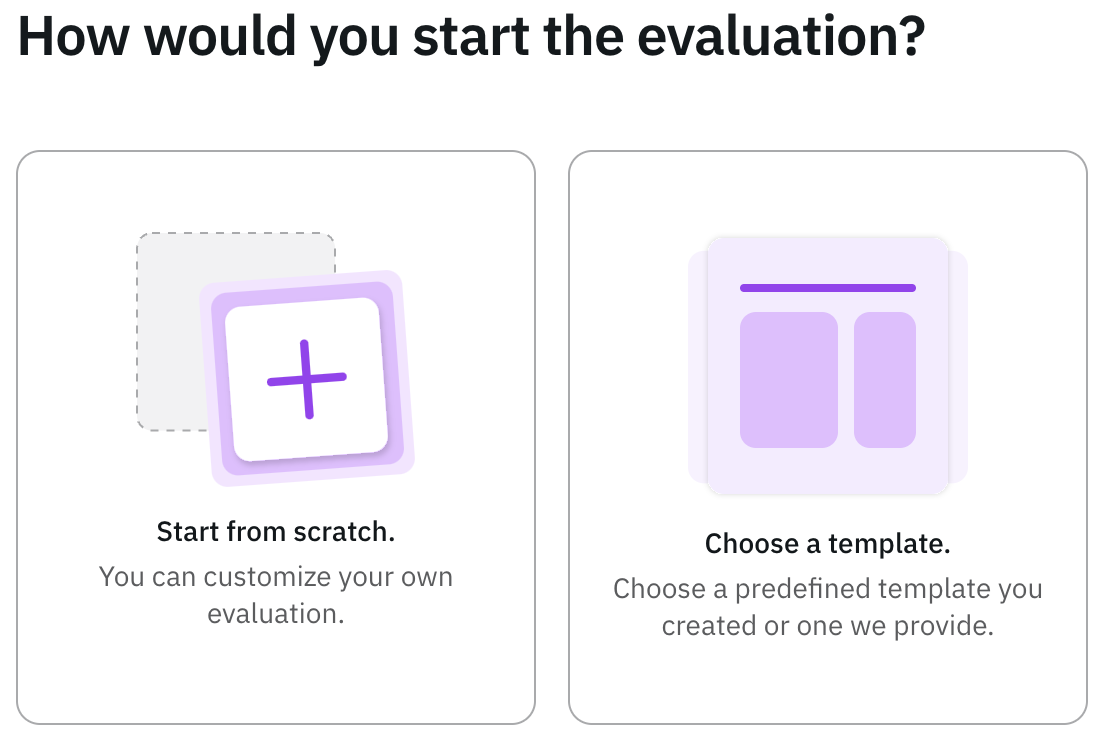
    You will be presented with two options. Select **Choose a template** and
    select the template you want to use.
    <Frame>
      ![1\_2\_eval\_from\_temp\_selection.png](https://static-public.podonos.com/docs/template-selection.png)
    </Frame>
  </Step>

  <Step title="Review and customize the evaluation if necessary">
    After selecting a template, the evaluation will be generated based on the template. You can review the following sections:

    * Evaluation details:

    <Frame>
      ![1\_evaluation\_from\_template\_evaluation\_information.png](https://static-public.podonos.com/docs/voting-and-assignment-setting.png)
    </Frame>

    * Instructions:
          <Frame>
            ![2\_evaluation\_from\_template\_instructions.png](https://static-public.podonos.com/sdk/how-to-create-template/2_evaluation_from_template_instructions.png)
          </Frame>
    * Questions:
          <Frame>
            ![3\_evaluation\_from\_template\_questions.png](https://static-public.podonos.com/sdk/how-to-create-template/3_evaluation_from_template_questions.png)
          </Frame>

    Modify any details as needed for your specific requirements.
  </Step>
</Steps>
