> ## Documentation Index
> Fetch the complete documentation index at: https://podonos.com/docs/llms.txt
> Use this file to discover all available pages before exploring further.
# Quickstart
> Start speech & audio evaluation in less than 5 minutes
## Set up your development
You need Python 3.8 or newer. You can check your Python version:
```
python --version
```
## Install the SDK
```
pip install podonos
```
## Get your API key
You can get your API key from the [Workspace](https://workspace.podonos.com). You can see more details in [Get API Key](/docs/apikey)
## Generate an evaluation with simple code
```python python theme={null}
import podonos
from podonos import *
client = podonos.init(api_key="")
etor = client.create_evaluator(
name='Naturalness of my new speech synthesis', type='NMOS', lan='en-us')
# Add a file.
etor.add_file(file=File(path="",
model_tag="my_model", tags=["syn1, epoch2"]))
etor.close()
```
That's it! This code will enable you to evaluate the **naturalness** of US English in your audio files in 5 point MOS (Mean Opinion Score).
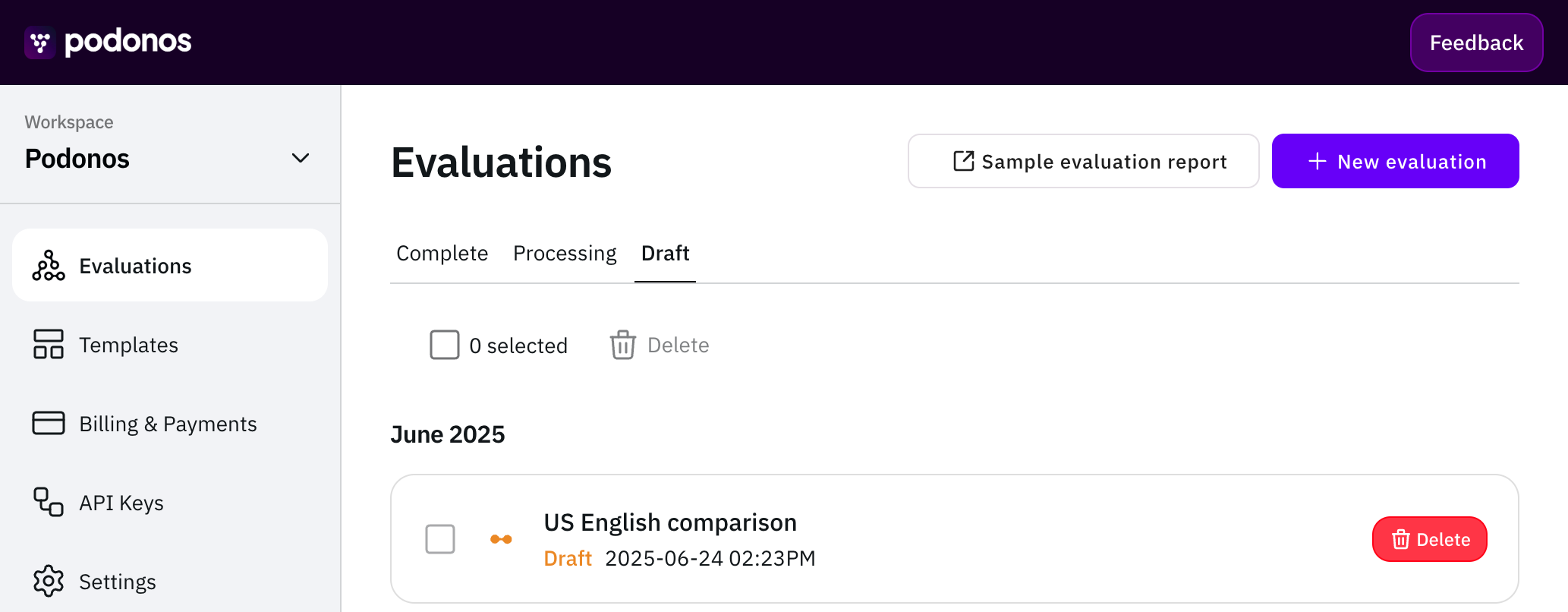
Once you finished running the code, you will see a **draft evaluation** in your [Workspace](https://workspace.podonos.com).
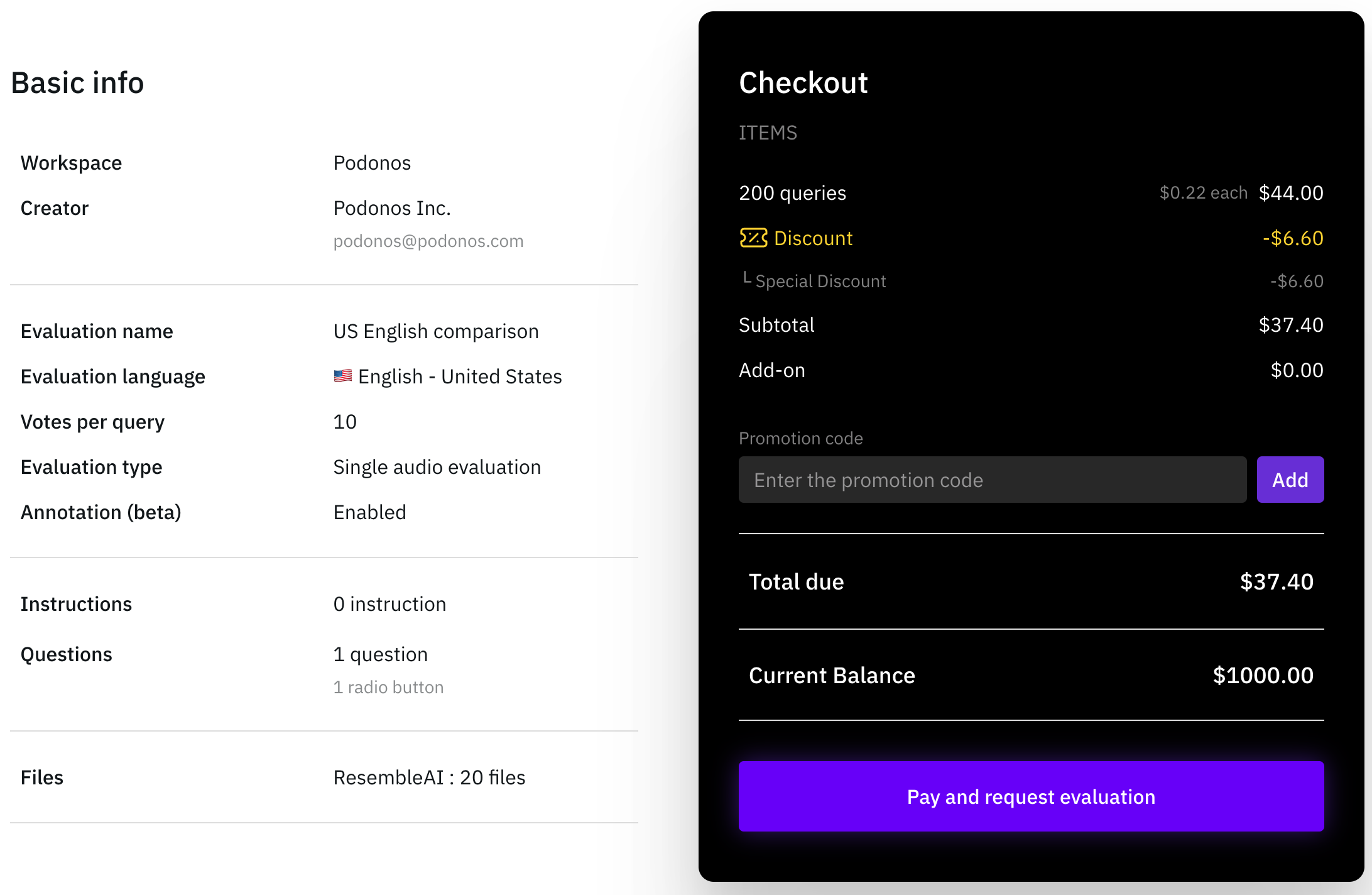
In each evaluation page, you can see the type, scale, language, and many more. Once you confirm everything is correct, you can kick off the evaluation by clicking **Pay and request evaluation** button at the bottom. Also, do not forget registering your payment method.
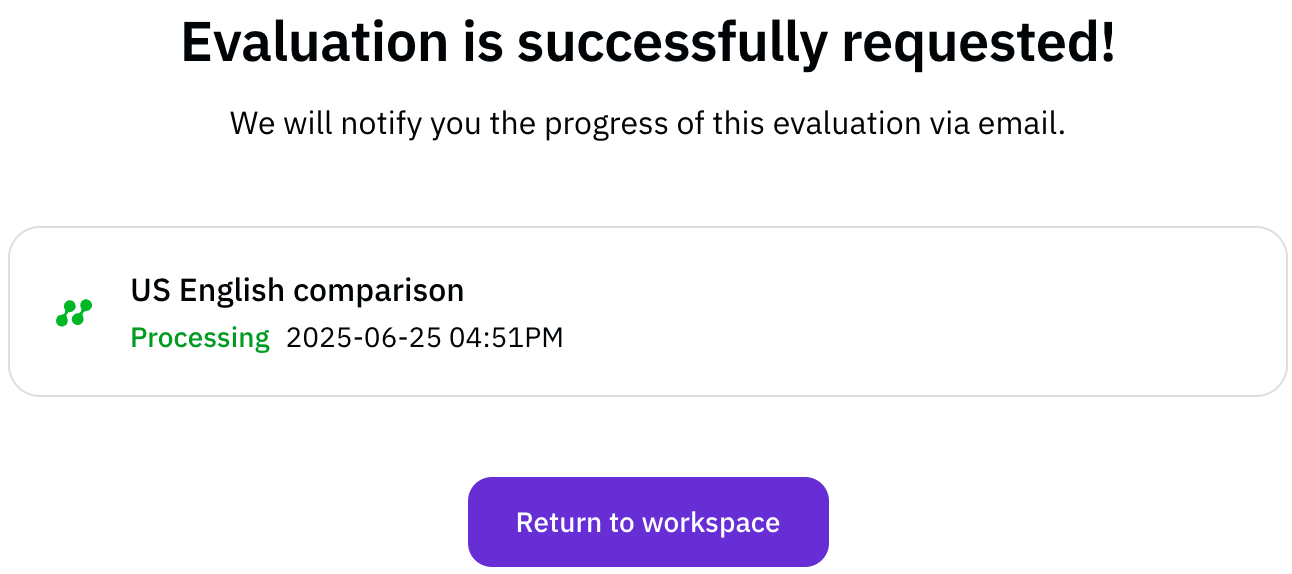
Once the payment is complete, your evaluation request is confirmed. You can view the details of your evaluations from the Workspace or through email.
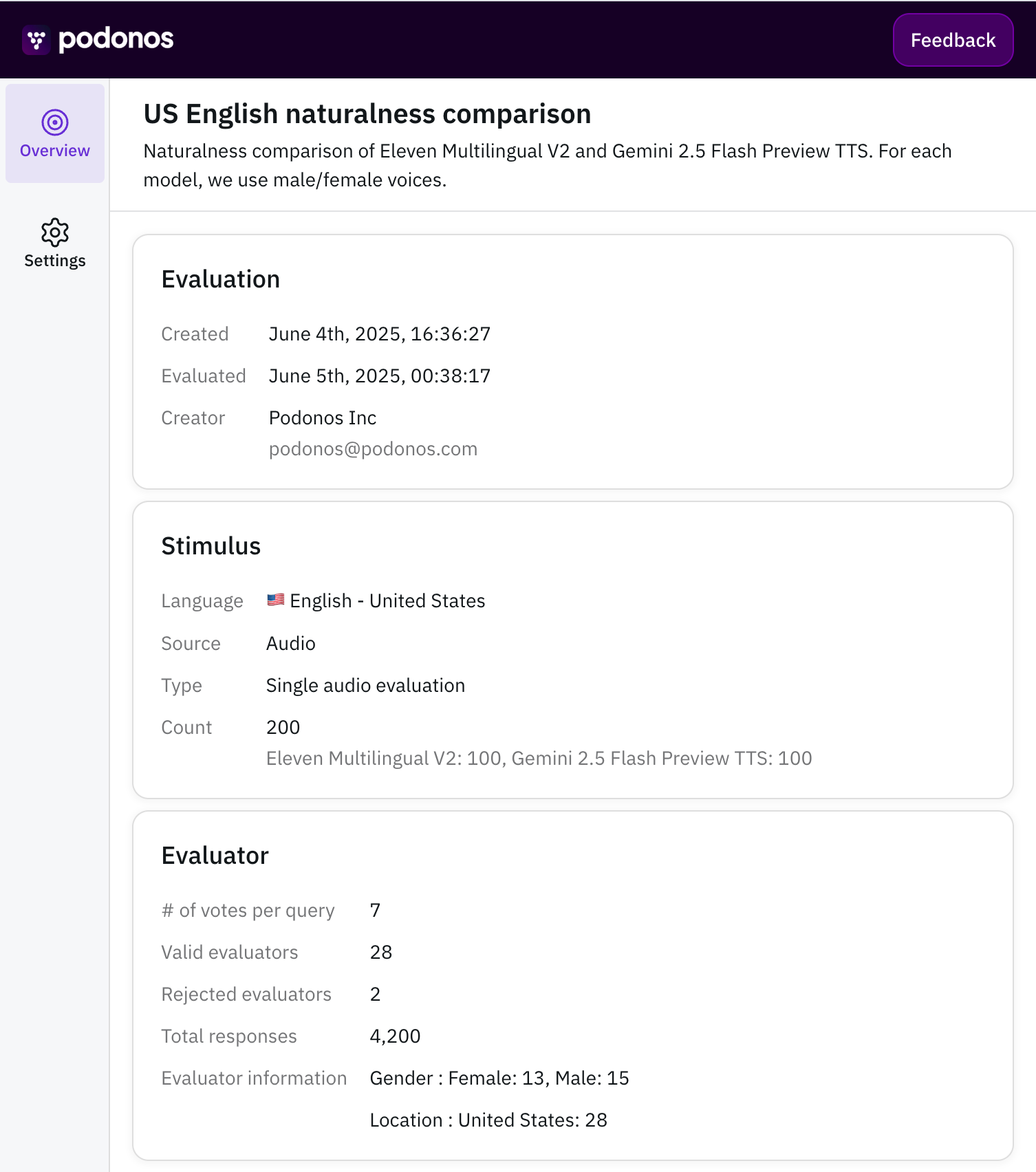
After the evaluation finishes, you will have an access to the evaluation report.
Of course, you can configure more details of the evaluation setup. In [Naturalness](/docs/naturalness), we will go through the details under the hood.
## Troubleshooting
At any stage if you have any questions or suggestions, take a look at [troubleshooting](/docs/troubleshooting/overview).