> ## Documentation Index
> Fetch the complete documentation index at: https://podonos.com/docs/llms.txt
> Use this file to discover all available pages before exploring further.
# Get API Key
> How to get an API key for running SDK
To use the SDK, you need an API key. You will see the detailed steps to get your API key.
Visit **[www.podonos.com](https://www.podonos.com)**.
Sign in or login with your account
Go to API keys in the left panel.
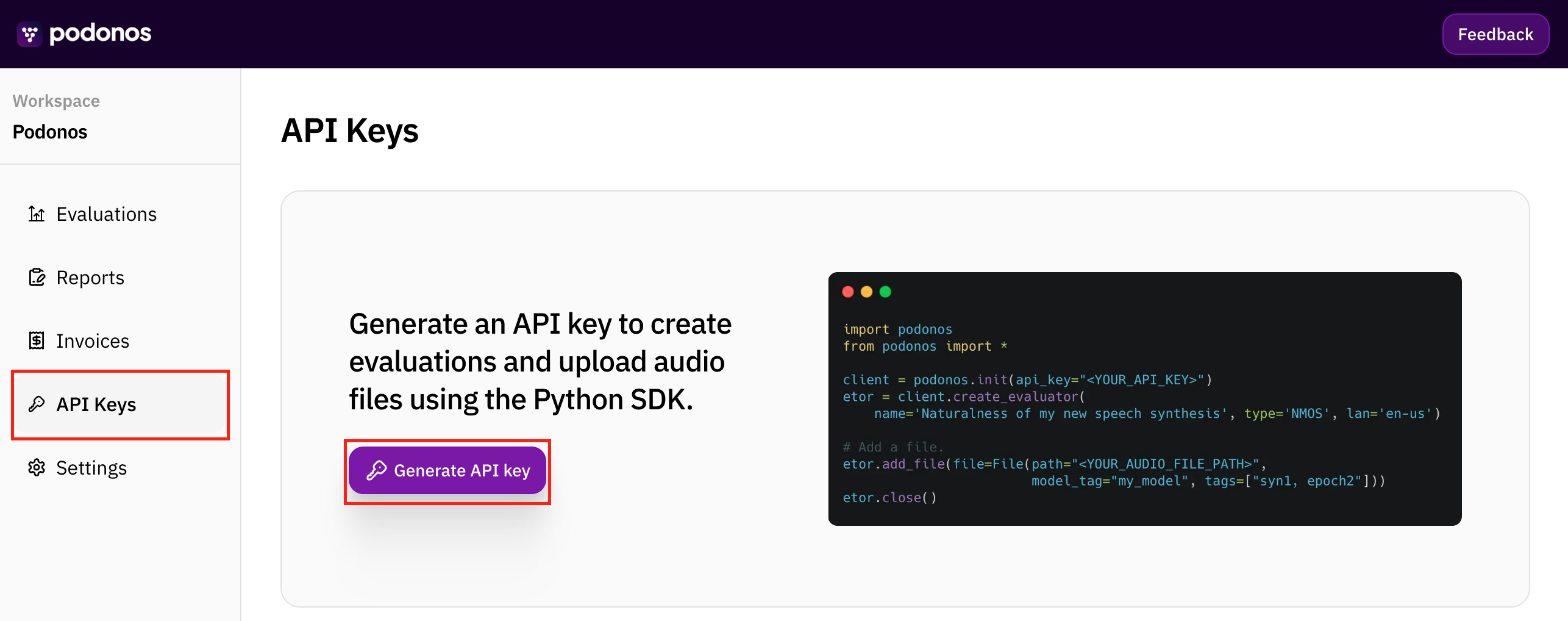
Click **Generate API key**.
Copy your API key by clicking the copy icon. You will use this API key
whenever you use the SDK. In the [API Key Setup](/docs/apikeysetup), you
will see how to use the API key on SDK.
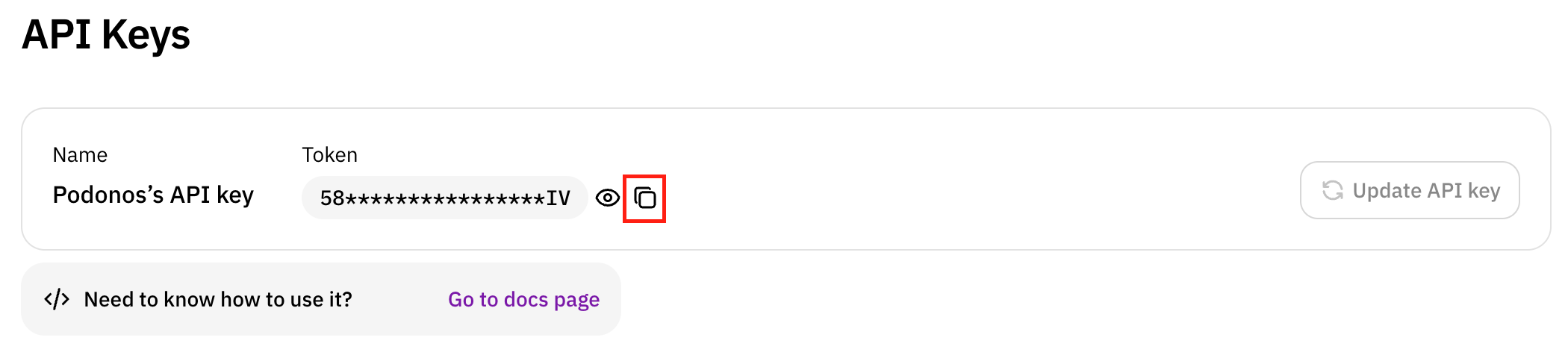
Please keep this API key safe.